How-To4 min read
Opening .wpd files on Windows 11 without WordPerfect
Windows 11 does not open WordPerfect .wpd files in Microsoft Word by default. Learn practical ways to view or convert them locally without buying WordPerfect.
Read more

Turn legacy WordPerfect archives into DOCX, PDF, Markdown, or plain text—for editing, search, and AI pipelines. Standalone Windows app; no Corel license required.
Free trial
Full app features · up to 10 files
Windows 10 or 11
Ready to buy? Buy Standard from $39.95 · Plus
Requires Windows 10 or 11. No subscriptions. 100% Windows Native.
One-time purchase. No subscriptions. No hidden fees.
Try first — convert up to 10 WordPerfect files free, then choose personal or commercial.
Step 1
Step 2
Products are Standard and Plus — licensed for personal use.
one-time · personal use
Want search and document previews? Conversion Library Plus is an add-on ($29.95).
one-time · personal · two licenses
Already have Standard? Add Plus ($29.95)
Most WPD converters require you to upload your sensitive legal or personal documents to their servers.
You don't know who is keeping your data or where it's being stored. Cloud converters may retain copies of your confidential documents.
Converting thousands of files one by one is a massive waste of your time. Manual uploads don't scale for large archives.
Formatting errors in generic converters destroy your legacy work. Margins, tables, and headers get mangled in translation.
Standard converts WordPerfect documents locally on this PC. Plus unlocks Conversion Library — a private library of the documents you converted. Search DOCX, PDF, Markdown, HTML, RTF, and TXT. Add tags and knowledge maps. Open previews. Same installer. Unlock with a Plus key. Nothing is uploaded.
Plus add-on $29.95 if you already have Standard. Standard + Plus from the start is $69.90.
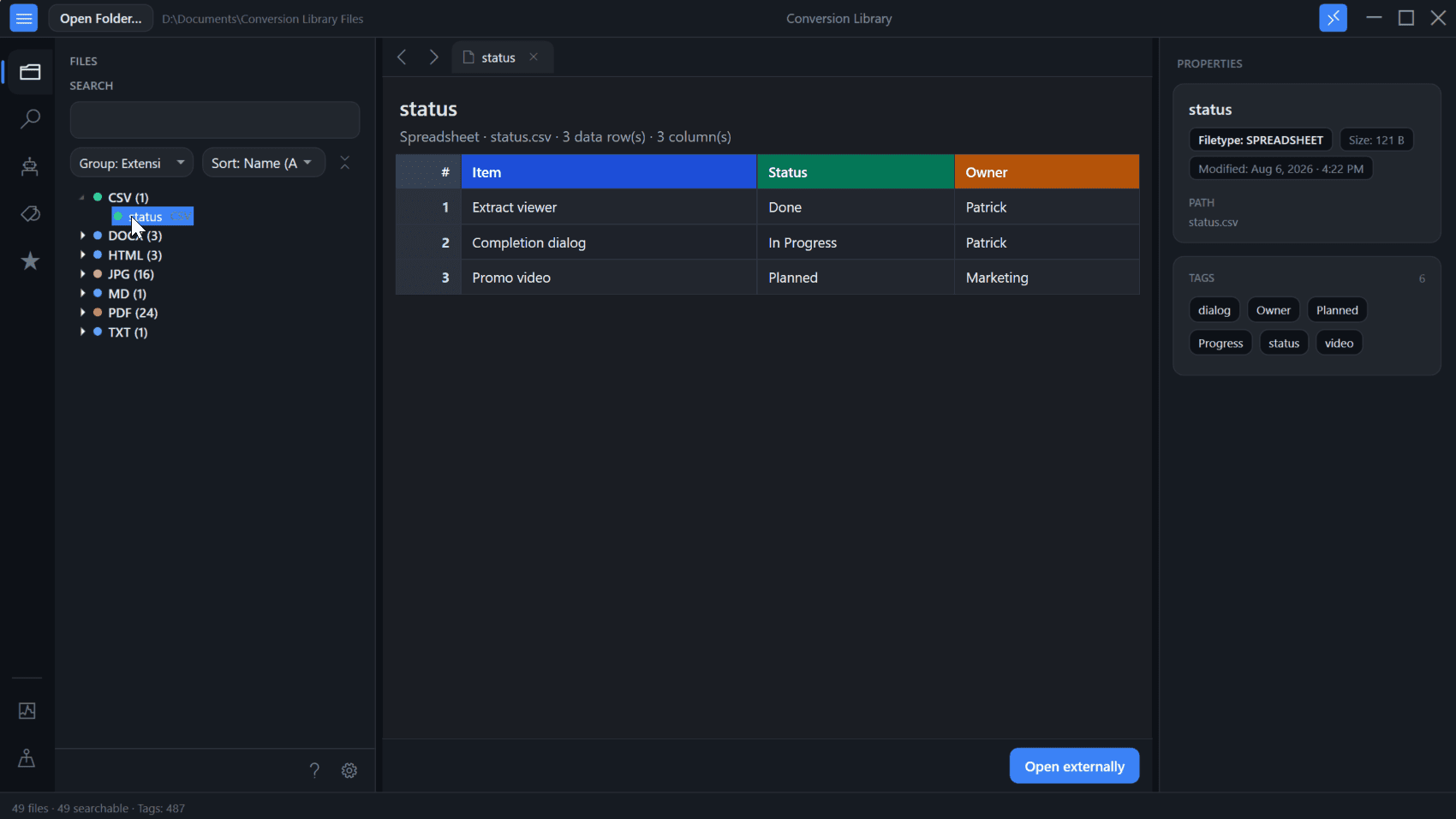
Built for professionals who need bulk WordPerfect conversion without a Corel license
WPD Converter works where your files are. Your documents stay on your machine, behind your firewall. Perfect for HIPAA, GDPR, and attorney-client privilege compliance.
Don't spend $260+ on a WordPerfect license just to open old files. WPD Converter is fully standalone—no Corel software, no dependencies, no third-party runtimes. Just install and convert.
Point at entire folder trees and convert hundreds of files in seconds—with 4-thread parallel processing. Content-based detection finds WordPerfect files even without a .wpd extension (DOS-era archives included).
Convert to DOCX, PDF, RTF, ODT, HTML, Markdown, or TXT—select multiple formats in one pass. Process your archives once, get every format you need.
Purpose-built for .wpd files with clean text extraction for search and AI pipelines. Font mapping and PDF embedding sit under Advanced Options when output quality matters.
Also in Standard
Mirror original folder trees or save converted files alongside originals.
Font substitution, PDF embedding, saved presets, and metadata export.
HTML and Markdown for RAG, LLMs, and semantic search on your own machine.
WPD Converter excels at secure batch conversion and getting text out of legacy archives. It is not a WordPerfect replacement: intricate layout rules—page numbers, headers, footers, and Reveal Codes—may not transfer exactly. Use the free trial on your own files, and explore Advanced Options for font mapping and PDF embedding when output quality matters.
From legacy files to modern documents in seconds
Select a single WPD file for quick conversion, or point the app at an entire folder tree. WPD Converter scans all subfolders automatically.
Export to a new folder, replace originals, or keep them side-by-side. Select DOCX, PDF, RTF, TXT, ODT, HTML, or Markdown (MD).
Watch as your legacy archives transform into modern, searchable documents in real-time.
Need more than WordPerfect?
For Lotus, Quattro Pro, images, and 100+ legacy formats — same offline privacy, from the same team.
No. WPD Converter is a standalone Windows application. You don't need WordPerfect or any other software installed.
Never. We do not have servers that "process" your files. All conversion happens locally on your machine. Your documents stay behind your firewall at all times.
WPD Converter is currently optimized for Windows 10 and Windows 11. A Mac version is not available at this time.
Your license allows installation on one computer. If you need to use the software on multiple machines, please contact us for volume licensing options.
Yes! Download the free trial to test the software before purchasing. The trial includes full functionality for up to 10 files.
Standard converts WordPerfect documents locally on your PC. Plus unlocks Conversion Library — search, tags, knowledge maps, and previews of the documents you converted. Same installer; unlock with a Plus key ($29.95 add-on, or $69.90 for Standard + Plus). Nothing is uploaded.
Personal Standard is a one-time $39.95 license — not a subscription. Free lifetime updates on the 6.x line are included. The Windows installer is Authenticode-signed; see Is this safe? for details.
Commercial Standard is $500 one-time per seat for business use. Commercial Plus is $750 one-time per seat — that is commercial Standard ($500) plus Conversion Library Plus.
It is a one-time purchase, not a subscription. You keep using the app forever on the version 6.x line. Free lifetime updates are included.
WPD Converter is built for secure bulk conversion, archival migration, and text extraction—not pixel-perfect reproduction of every WordPerfect formatting rule.
It preserves content and structure wherever the conversion engine allows. Complex layout features—page-number placement, header and footer rules, suppressed page numbers, and certain Reveal Codes—may differ from what you saw in WordPerfect.
For AI pipelines, search, and editing in Word, most users get excellent results. If you need courtroom-identical layout fidelity, test your specific files in the free trial before purchasing.
Expand Advanced Options in the desktop app for controls that improve output quality:
These options help with fonts and PDF consistency. They cannot override every WordPerfect-specific layout rule—especially intricate page-number and header/footer behavior.
Tips, guides, and insights for managing legacy document archives
Windows 11 does not open WordPerfect .wpd files in Microsoft Word by default. Learn practical ways to view or convert them locally without buying WordPerfect.
Batch convert large WordPerfect archives to DOCX, PDF, or Markdown on Windows 11. Select folders, pick a format, convert thousands in seconds.
WordPerfect files fail in AI pipelines. Learn why Markdown and plain text are the gold standard for RAG embeddings and semantic search.
Download the free trial and convert your first files locally — no cloud uploads.
Free trial
Full app features · up to 10 files
Windows 10 or 11
Same free trial as the full app — convert up to 10 WordPerfect files locally on your PC.
Convert one file in the trial, then buy from pricing · Buy Standard from $39.95