Batch Convert WPD to PDF on Windows
Batch convert WPD to PDF on Windows. Point WPD Converter at a folder of WordPerfect files, choose PDF, and convert locally — nothing is uploaded.
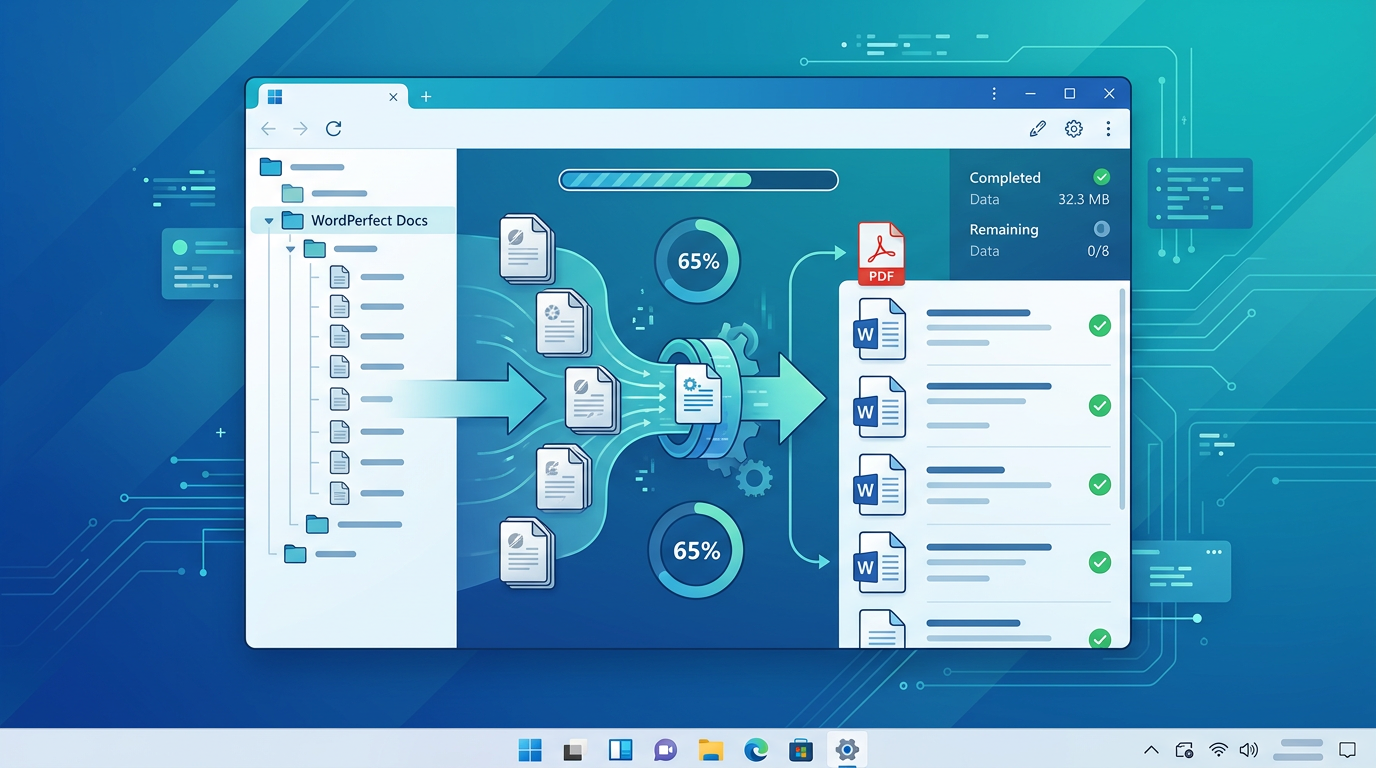
TL;DR To batch convert WPD to PDF on Windows, install WPD Converter, select the folder of WordPerfect files, choose PDF, and click Convert. The PDFs are written on that PC. WordPerfect does not have to be installed, and the files are not uploaded.
Saving each old brief as PDF by hand only works when you have a handful of files and a copy of WordPerfect. A case folder, a shared drive, or a box of disks is a different job. This is the folder workflow: one pass, PDF output, originals left in place until you have checked a sample.
What you need
- Windows 10 or Windows 11. WPD Converter is a Windows app. There is no Mac version.
- The WordPerfect files themselves. They are usually
.wpd. Older archives sometimes have no extension, or an extension that no longer means what it did. - WPD Converter. Download the installer. The free trial converts a limited set of files with the same features as a license, which is enough to check your own documents. A Standard license is a one-time $39.95 — see pricing. It is not a subscription.
You do not need Corel WordPerfect, and you do not need Microsoft Word, to produce the PDFs.
1. Point the app at the folder, not one file
Open WPD Converter and use the folder tree. Select the top folder of the archive. Nested folders are included: if the tree is client, then year, then matter, selecting the top folder finds the WordPerfect files underneath.
You can still add individual files when you only need a few. For a batch, the folder is the point. The app identifies WordPerfect content by reading the file, so a document that lost its .wpd extension is still picked up. You do not have to rename the archive first.
2. Choose PDF
In the output settings, select PDF. That is the whole format decision for this job.
PDF is the copy you send, file, or print. It does not reflow when someone else opens it in Word. If people also need to edit the text, select DOCX in the same run and you get both. The editable path is covered on convert WPD to DOCX. The product page for this output is WPD to PDF.
Then choose where the new files go:
- Alongside original. The PDF is written next to the
.wpd. Use this while you are still checking results. - Export to folder. PDFs go to a folder you pick. Keep the original folder structure when the filing system itself matters, which it usually does for a legal archive. Flatten only when you truly want one pile of PDFs.
- Replace original. The
.wpdis removed after that file converts. Do not use this on the first run. Convert a sample, open the PDFs, and only then decide whether the originals can go.
3. Convert, then check a sample
Click Convert. The run stays on this PC. A password-protected or corrupt file is skipped and listed in the summary instead of stopping the rest of the folder. After the run, open that summary and deal with the skips separately.
Open a few PDFs and compare them with a printout or with the file in WordPerfect, if you still have either. Check page count, tables, headers, and numbered paragraphs first. WordPerfect formatted pages for the printer that was selected when the file was saved, so a PDF made on a current PC can gain or lose a page even when the words are all there. Advanced Options includes PDF font embedding if the document uses old WordPerfect font names and you need those fonts carried inside the PDF.
For one file, or for the short version of the same steps, use the WPD to PDF page. If the folder should become editable Word files instead, use batch convert WPD to Word on Windows 11.
Why not an online batch converter
A website that converts one upload at a time is a poor fit for a folder. You pick files by hand, you wait on someone else's server, and the download usually arrives as a zip that has forgotten your folders. A legal, medical, or family archive should not be uploaded for that. WPD Converter reads the folder where it already is.
Common questions
Can I batch convert WPD to PDF without WordPerfect?
Yes. WPD Converter reads the WordPerfect file directly. WordPerfect is not required.
Will every PDF match the WordPerfect printout?
Not always. Text, tables, and most of the page come across. Page breaks and some header and footer rules can differ because the original layout depended on a printer driver. Check a sample before you convert the rest of the folder.
What does the full archive cost?
The trial covers a limited number of files so you can test yours. After that, Standard is $39.95 once. Current checkout is on the pricing section of the homepage. Download the installer and run the sample first.
Related reading
Batch convert a folder of WPD files to PDF
Download the free trial (up to 10 files) and convert a sample folder to PDF on this PC. Nothing is uploaded.
Free trial
Full app features · up to 10 files
Windows 10 or 11
Same free trial as the full app — convert up to 10 WordPerfect files locally on your PC.